
Guide
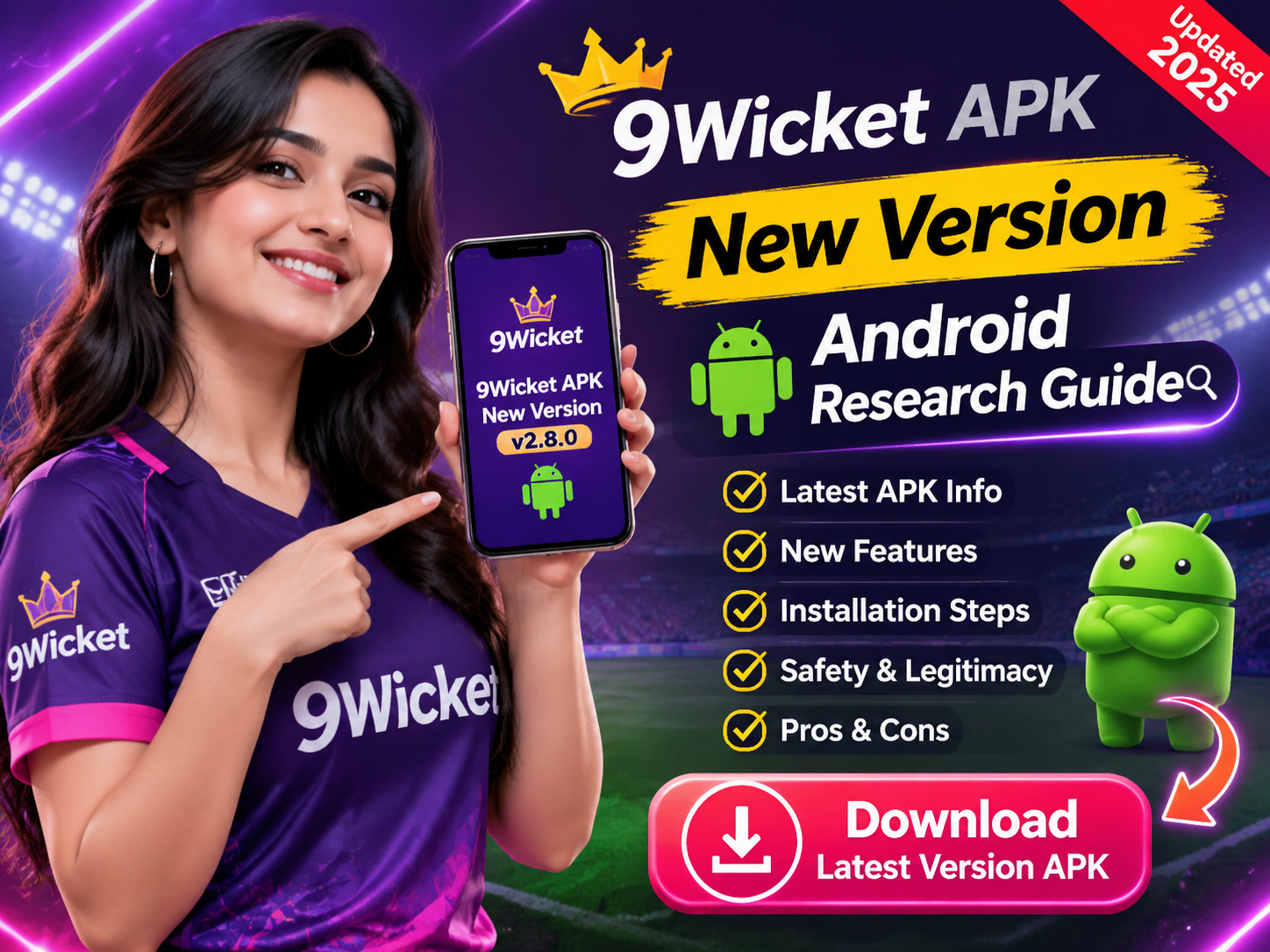
9Wicket APK New Version: Android Access and Safety Guide
Published 14 November 2026
9Wicket APK New Version: Android Access and Safety Guide
Finding a reliable mobile application requires more than searching for a download button. The 9Wicket APK New Version is a search phrase that Android users may encounter when looking for mobile access to a 9Wicket-branded online platform. However, different websites can use similar names, and not every download page necessarily represents the same application or operator.
Before installing anything, you should understand how Android applications work, how publishers distribute updates, and which details help establish a file’s authenticity. A familiar application name or attractive download page cannot prove that a package comes from the correct developer.
This guide takes a practical approach to researching the 9Wicket Android experience. It explains the application distribution process, device preparation, publisher verification, mobile access considerations, privacy controls, troubleshooting, and responsible use.
Whether you are researching an application for the first time or checking an update for an existing installation, the information below can help you evaluate the available options more carefully.
Understanding the 9Wicket Mobile Application Landscape
Android applications can reach users through several distribution methods. Google Play provides a centralized marketplace, while some developers distribute APK packages through their own websites.
An APK contains the components that Android needs to install an application. It may include executable code, resources, configuration files, and other supporting elements.
The term 9Wicket APK does not independently identify a verified developer, application package, or distribution channel. You must connect the name with the correct operator before trusting a particular download.
What Makes an APK Different From a Regular App Listing?
A Google Play listing provides information about an application through the store interface. It can show the publisher, description, compatibility information, reviews, and available updates.
A standalone APK download requires additional verification.
You need to examine the source website, developer identity, application signature, version information, and requested permissions. These details matter because an unrelated developer can distribute a file with a familiar name.
Why Application Identity Matters
Imagine finding two websites that advertise a 9Wicket Android application. Both display similar logos and descriptions, but their publisher names and download addresses differ.
That difference deserves attention.
A matching brand name does not establish a connection between two websites. Before entering account credentials, verify that the website and application belong to the same legitimate operator.
This simple step can reduce the risk of installing an impersonating application.
What Should You Expect From a Well-Designed Android Experience?
The actual functionality of a 9Wicket-branded application depends on the specific publisher and release. Without verified release documentation, nobody should promise particular tools, features, or improvements.
Nevertheless, several quality indicators can help you evaluate an Android application.
A Layout That Works on Different Screens
Smartphone displays vary in size, resolution, and aspect ratio. A carefully designed application should adapt its interface to supported devices.
Look for practical design elements such as:
Readable navigation labels.
Consistent menu placement.
Properly sized buttons.
Clear account settings.
Accessible text and controls.
Appropriate spacing between interactive elements.
A responsive layout improves usability, but visual quality alone does not establish software authenticity.
Clear Account Management
Applications that provide account access should explain how users manage their information.
Review the available documentation for password changes, authentication, session management, recovery procedures, and account closure.
A trustworthy service should also provide understandable privacy information and explain how it handles account-related data.
Predictable Navigation
An application should make its main sections easy to understand.
Users should not need to follow confusing redirects or repeatedly open unrelated pages to find basic settings.
Check whether the application identifies its operator, provides accessible support information, and explains important account procedures.
Transparent Technical Information
Developer documentation can tell you more than marketing claims.
Look for the package identifier, version history, minimum Android requirement, supported architecture, release notes, and developer signature.
When a publisher provides these details consistently, users can make better comparisons between releases.
How to Evaluate a 9Wicket APK Before Downloading
The most important part of an APK evaluation happens before installation.
Instead of relying on a website’s promotional claims, examine the information that connects a download with its publisher.
Examine the Website Address
Start with the exact domain that hosts the download.
Check the spelling carefully. Look for unexpected extra characters, unusual subdomains, misleading extensions, and redirects to unrelated websites.
A secure HTTPS connection protects communication between your browser and a website, but it does not prove that the website represents the legitimate application publisher.
Identify the Application Publisher
Search for consistent publisher information across the website, application documentation, privacy policy, and support pages.
Check whether the developer uses the same identity throughout its official materials.
If two sources provide conflicting publisher details, do not treat them as interchangeable.
Inspect the APK Package Name
Android applications use unique package identifiers to distinguish individual apps.
A publisher may display the package name in its technical documentation or provide it through application information.
Compare that identifier with the details supplied through the verified developer channel.
A similar application title cannot replace this check.
Review the Digital Signature
Android developers sign their application packages with cryptographic signing keys.
These signatures help Android identify application updates from the same signing identity.
If an existing application and a proposed update use incompatible signing certificates, Android may reject the update.
That warning matters. Do not attempt to bypass signature verification simply to install a file with a newer version number.
Compare Release Dates and Version History
A download page may display the words New Version without providing any meaningful update information.
Look for a complete release history.
Useful information includes:
Version code.
Version name.
Publication date.
Developer announcement.
Technical changes.
Minimum Android requirements.
A consistent history helps establish context, although it cannot independently prove that a file is safe.
Version verification note: This guide does not claim a specific current 9Wicket APK version. The exact official release requires confirmation from the relevant publisher.
Preparing Your Android Device for a New Application
Device preparation can prevent common installation problems and help protect existing information.
Before considering an APK installation, review the following areas.
Check Your Android Version
Open your smartphone settings and locate the Android version information.
The menu location can differ between manufacturers. Many devices place this information under About Phone or Software Information.
Compare your Android version with the application’s documented minimum requirement.
Do not assume that a file designed for a newer operating system will work on an older smartphone.
Review Available Storage
Android needs sufficient storage to download, unpack, install, and run applications.
Check your remaining storage before downloading a large installation package.
Keep additional space available for application data and future updates.
Understand Device Architecture
Android devices may use different processor architectures.
An application package can target particular architectures, while some packages support multiple environments.
If the publisher provides architecture information, compare it with your device specifications.
Avoid downloading random alternative packages when Android reports an incompatibility.
Review Existing Security Settings
Keep Android security updates current whenever possible.
Google Play Protect can scan applications and identify certain harmful behaviours. Enable this protection and review any warning before continuing.
Security software cannot identify every threat, so source verification remains important.
A Practical Approach to the 9Wicket APK Installation Process
An installation guide should explain the process without encouraging users to ignore security warnings.
Use these steps only if the relevant publisher provides an authentic APK and confirms that it supports your device.
Confirm the Distribution Channel
First, locate the publisher’s verified application distribution information.
Compare the download page with the operator’s independently established website and documentation.
Avoid files from unknown Telegram channels, social media messages, file-sharing accounts, and shortened URLs.
Examine the Downloaded Package
After obtaining an authorized file, review its name, size, package identifier, and digital signature.
Compare the available checksum with the publisher’s published value when one exists.
A matching SHA-256 checksum can confirm that a downloaded file matches the publisher’s reference file. It cannot prove that the publisher itself operates the legitimate service, so verify both the source and file.
Review Android’s Installation Controls
Android controls installations from sources outside Google Play.
The operating system may ask you to authorize a particular browser or file manager before it can install an APK.
Only consider this permission when the publisher and package have passed your verification checks.
Avoid enabling broad installation access unnecessarily.
Read the Permission Requests
Review the permissions that the application requests during installation or first launch.
Consider whether each permission supports a documented function.
For example, an application with no clear communication function should explain why it needs SMS access.
Do not grant unnecessary access to contacts, location, camera, microphone, or personal files.
Complete the Installation Carefully
If the package passes verification and meets your device requirements, follow Android’s on-screen installation instructions.
Review the publisher information again after installation.
If Android displays a signature conflict, harmful-app warning, or unexpected permission request, stop and investigate rather than forcing the installation.
Confirm the Application’s Identity
After installation, inspect the application information through Android settings.
Compare the installed package with the publisher’s documented details.
Check the privacy policy, support information, and account settings before providing personal information.
Managing Future Updates Without Losing Control
Application updates can introduce important improvements, but an update should not receive automatic trust merely because a website advertises it as the newest release.
A careful update process starts with the existing application’s identity.
Maintain a Record of Your Installed Version
Check the application information page or the developer’s documented method for identifying the installed version.
Keep a record of the version name and package identifier.
This information helps you compare a future release with the application you already use.
Read the Changelog
A changelog should explain what changed between releases.
It may mention compatibility adjustments, interface improvements, defect corrections, or security maintenance.
Avoid assuming that every update improves every part of an application.
When the publisher supplies no release notes, you have less information to evaluate the update.
Confirm Signing Continuity
A legitimate update normally follows Android’s signing requirements.
Compare the signing identity with the existing application through an appropriate verification method.
An unexpected signing change requires an explanation from the publisher.
Never remove a working application simply because an unknown website offers another file with a larger version number.
Understand Data Retention
Application updates and fresh installations can affect local information differently.
Some services store account information remotely, while others retain preferences and temporary files on the device.
Review the publisher’s migration instructions before uninstalling or replacing an existing application.
Back up important information through supported methods.
Ignore Artificial Update Urgency
Be careful with messages that demand immediate installation to prevent account closure.
Verify important announcements through a trusted publisher channel.
A legitimate software update should not require you to disclose passwords, OTPs, or recovery codes to an individual claiming to provide technical assistance.
Protecting Personal Information During Mobile Access
Privacy deserves attention whenever an application connects to an online account.
An Android application can interact with device information, network connections, and personal data according to its permissions and implementation.
You should understand these interactions before using an unfamiliar service.
Read the Privacy Policy
A privacy policy should explain what information a service collects and why it needs that information.
Look for details about:
Account information.
Device identifiers.
Cookies and analytics.
Location information.
Payment-related data, where applicable.
Data sharing.
Retention periods.
Account deletion.
If a website provides no meaningful privacy explanation, reconsider sharing personal details.
Use Strong Authentication Practices
Create a unique password for every important account.
A password manager can help you maintain separate credentials without relying on easily guessed combinations.
Enable additional authentication methods when the verified service offers them.
Never share a one-time password with someone claiming to work for the platform.
Avoid Untrusted Wi-Fi Connections
Public Wi-Fi networks may expose users to additional security risks.
Use trusted network connections when managing sensitive accounts.
Check the website address before entering login details and avoid ignoring browser security warnings.
Review Permissions Regularly
Android lets users inspect and manage application permissions through system settings.
Review these controls periodically.
If an application no longer needs a particular permission, remove that access.
This practice helps limit unnecessary exposure of personal information.
Understanding the Difference Between a Mobile Website and an APK
Not every service needs a dedicated Android installation package.
A mobile website can provide access through a browser, while a native application may offer a separate interface and device integration.
The right option depends on the actual service and its verified distribution methods.
When Browser Access Makes Sense
Browser access may work well when the operator maintains a responsive website.
It avoids the need to install an additional APK and reduces the number of applications stored on your device.
Users can also inspect the domain before accessing the service.
However, browser access does not automatically make an unfamiliar website trustworthy.
When an Official Android Application Makes Sense
A dedicated application can provide an integrated mobile experience.
It may support application-specific settings, notifications, or other functions when the publisher documents them.
These benefits depend on the actual implementation.
An APK should never receive preference over a mobile website simply because it carries the word Official or Latest.
Compare Both Options Before Making a Decision
Consider the following differences:
| Evaluation Point | Android Application | Mobile Website |
|---|---|---|
| Initial setup | Requires application installation | Requires a compatible browser |
| Updates | Uses the publisher’s update method | Publisher updates the website |
| Device storage | Uses application storage | Requires no dedicated APK |
| Permissions | May request Android permissions | Uses browser-controlled permissions |
| Access method | Dedicated application interface | Browser address |
| Verification | Requires package and signature checks | Requires domain and operator checks |
Neither option guarantees security. The publisher’s identity and security practices matter more than the access method.
Troubleshooting Mobile Access and Application Errors
Technical problems can occur even when a device meets the documented requirements.
Instead of installing another package immediately, identify the source of the problem.
Installation Stops Before Completion
An installation failure may indicate a damaged download, unsupported Android version, insufficient storage, or signing conflict.
Check the original publisher’s documentation and compare the downloaded package with its reference information.
Do not disable Android security controls to force an installation.
Android Displays an Incompatible Application Message
Compatibility problems can involve the operating system, processor architecture, or application requirements.
Check the publisher’s supported device information.
If the developer does not document compatibility, avoid guessing which APK variant will work.
The Application Closes Unexpectedly
An unexpected shutdown can involve software defects, device limitations, corrupted local data, or operating system conflicts.
Restart the device and check for documented troubleshooting guidance.
Avoid installing modified builds advertised as performance-enhanced alternatives.
The Application Displays Network Errors
A network error does not necessarily mean the APK contains a defect.
Check your internet connection and verify whether the relevant website or service reports an outage.
Avoid unofficial mirror websites that claim to fix connection problems through replacement downloads.
An Update Refuses to Install
Android may reject an update when the signing identity differs from the installed application.
This restriction protects application integrity.
Ask the verified developer to explain the change before taking further action.
Account Access Does Not Work
Check the exact website address and the publisher’s official support instructions.
Never enter account details into a replacement login page simply because an unfamiliar message directs you there.
If the problem continues, use a verified support channel.
What to Consider About Licensing and Responsible Use
The name of a mobile application does not establish the legal status of its associated services.
Some online platforms operate in areas involving betting, casino games, or real-money wagering. These activities may face different restrictions across jurisdictions.
Before using any service with gambling functionality, check the operator’s licensing information and applicable local laws.
Do not assume that a website accepts users legally in every country.
Adults should also consider the financial risks of wagering.
Responsible-use practices include setting strict personal limits, avoiding borrowed money, protecting essential expenses, and never attempting to recover losses through additional gambling.
Anyone below the applicable legal age should avoid real-money gambling services.
An APK download or software update does not remove these responsibilities.
How to Make an Informed Decision About 9Wicket APK
A sensible decision requires more than a quick comparison of download pages.
Start with the identity of the service. Confirm which operator you intend to access and establish whether its website provides a genuine Android application.
Next, examine the technical information. Compare the package name, developer signature, release history, supported Android versions, and privacy documentation.
Then consider the installation method. If the publisher provides a verified Google Play listing, review that listing. If it distributes a standalone APK, apply additional checks before considering sideloading.
Finally, decide whether a dedicated application offers a meaningful advantage over the operator’s mobile website.
These steps help you avoid unnecessary installations and reduce the chance of trusting an unrelated or modified package.
Conclusion
The 9Wicket APK New Version search deserves careful evaluation because application names, download pages, and version claims do not always identify the same publisher.
Android users should prioritize verified distribution channels, developer transparency, package integrity, compatibility information, and privacy practices.
A larger version number does not automatically mean better software. Likewise, a professional-looking download page cannot guarantee a genuine application.
Take time to verify the publisher, understand the installation requirements, and review Android security warnings. When you cannot establish the application’s authenticity, avoid installing it and consider a verified browser-based alternative if the service provides one.
An informed approach helps you manage mobile access without compromising device security or personal information.
Frequently Asked Questions
1. What does 9Wicket APK New Version mean?
9Wicket APK New Version refers to searches for an updated Android installation package associated with a 9Wicket-branded service. The exact application and publisher require verification before installation.
2. How can I identify the genuine 9Wicket Android application?
Compare the publisher’s identity, official website, application package name, developer signature, privacy policy, and release information. A matching logo or application title alone cannot establish authenticity.
3. What information should I check before downloading a 9Wicket APK?
Review the download domain, developer name, package identifier, file checksum when available, version history, Android requirements, and requested permissions.
4. Why does Android reject an APK update?
Android may reject a package because of an incompatible operating system, damaged download, conflicting package identifier, or different signing certificate. Verify the release with the original developer.
5. Can an APK file access personal information?
An application can access certain device information and resources according to its permissions and implementation. Review permission requests and the privacy policy before sharing personal information.
6. Should I uninstall an older application before installing a new version?
Not automatically. Uninstalling can affect locally stored settings or data. Check the publisher’s upgrade instructions and signing requirements before replacing an existing installation.
7. Does Google Play Protect guarantee APK security?
No. Google Play Protect helps identify potentially harmful applications, but no automated scanning system detects every threat. Source verification and careful permission management remain important.
8. Can I use a 9Wicket-branded service through a mobile browser?
You may be able to access a service through a browser if its verified operator provides a compatible mobile website. Confirm the domain and operator before entering account information.
Keep reading
Related guides
Guide
BD Betting Site: Risks, Legality and Online Safety
BD Betting Site: Risks, Legality and Online SafetyThe growing popularity of digital sports coverage has increased public interest in searches related to a BD…
Read the guide →
Guide
Official 9Wickets Site: A Complete Visitor’s Guide
Official 9Wickets Site: Website Identity, Security and Legal Awareness Introduction The search for the Official 9Wickets Site raises several important questions about online identity,…
Read the guide →
Guide
9Wickets Bets Agent List: How to Assess Agent Sources
9Wickets Bets Agent List: How to Assess Agent SourcesSearching for a 9Wickets bets agent list can lead to several websites, online directories, social media…
Read the guide →Ready to put this guide to work?
Open a 9Wickets account with bKash, Nagad or Rocket, or talk to support if you need a hand.